 HANS & FRIENDS
Elementor doesn’t store images in the normal page content but in its own layout data. The free Replace External Images detects these images but leaves the layout alone.
The “Elementor & ACF” add-on imports them into your Media Library too – without changing anything in the layout. Images in ACF fields are included as well.
€19 once, plus VAT, for one website. No subscription. Works with the free Replace External Images from version 2.0.2. The add-on is already included in Pro.
What the add-on imports
Elementor
Image, Image Box, Basic Gallery, Image Carousel, Testimonial, backgrounds, Text Editor and HTML, plus the Elementor 4 image element.
ACF fields
Text, text area, WYSIWYG and URL – wherever external images appear.
Backgrounds in the content
Code like background-image: url(…) right in the page content.
The widgets are linked to the images in your Media Library and Elementor’s CSS is rebuilt.

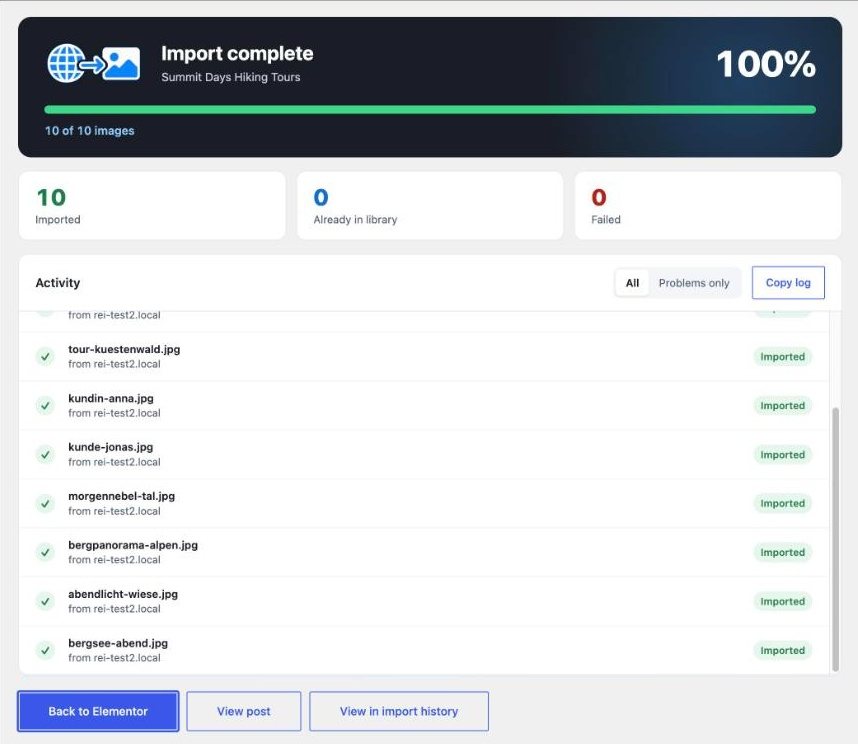
Before you start: make a backup of your website. That goes for any import that changes many pages at once.
What stays the same
Structure, spacing and styles of your Elementor pages stay as they are. Only the images are swapped.
Elementor link settings – for example a heading that links to a .jpg file – are not touched. Inside text and HTML, links to an imported image then point to the copy in your Media Library.
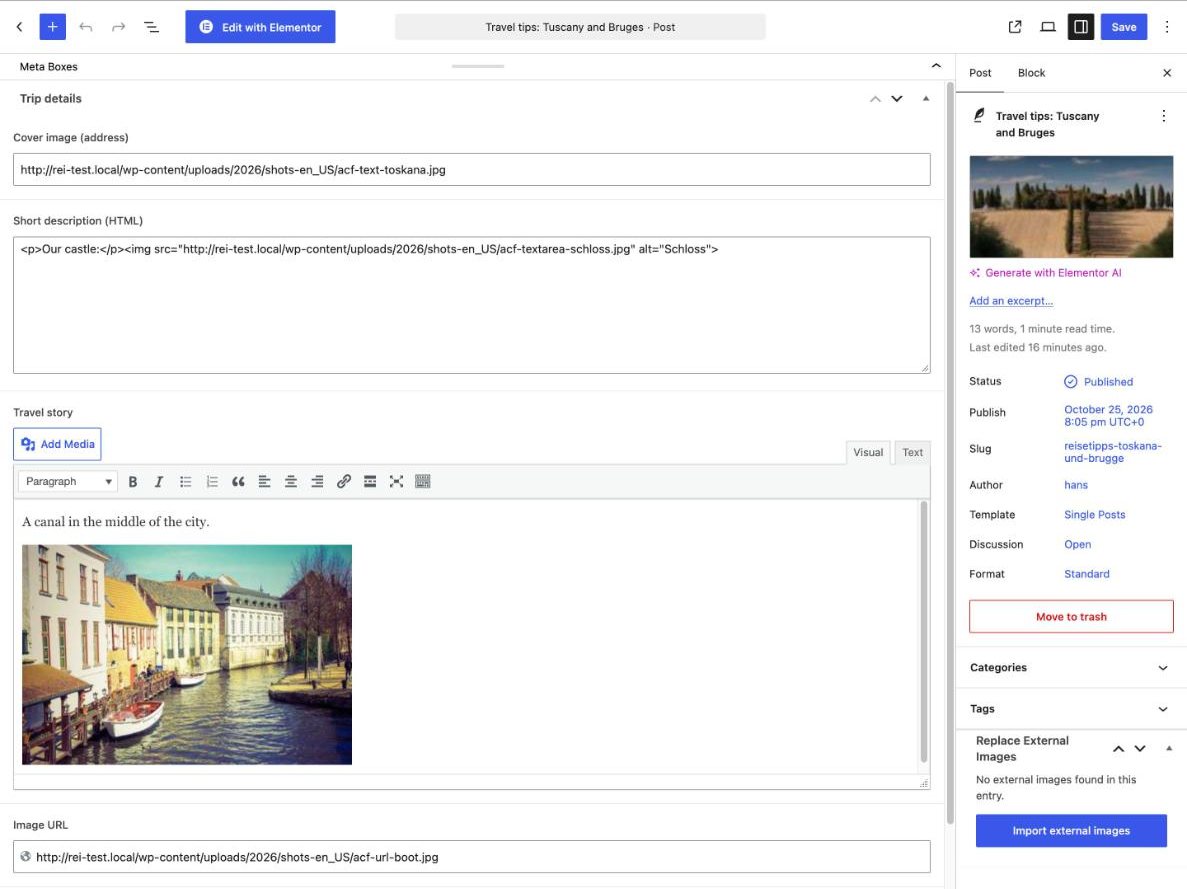
Without the add-on: the free plugin shows you what’s missing
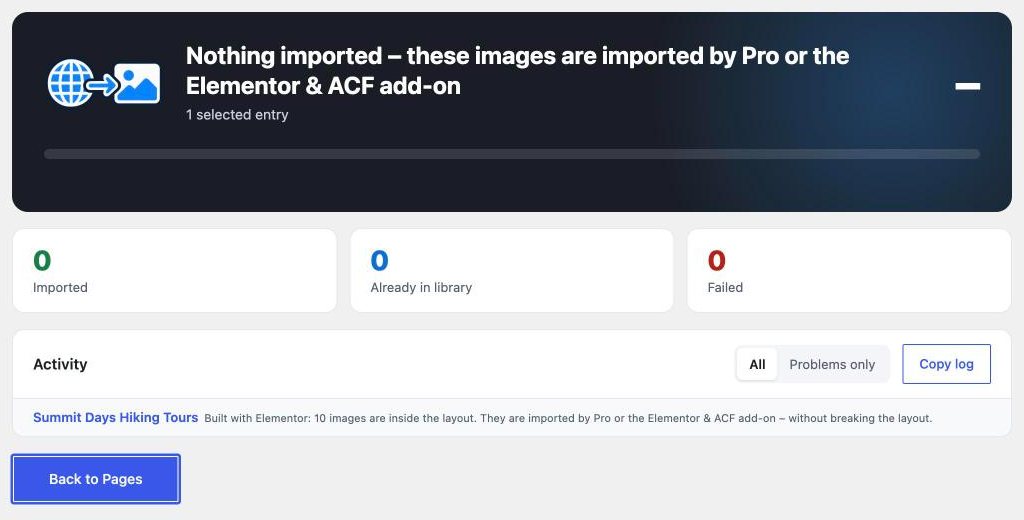
Even without the add-on you can see whether an Elementor page loads external images: in the notice above the page list, in the Elementor editor and in the import dialog. The free plugin deliberately doesn’t import these images, so the layout stays intact.
Frequently asked questions
Do I need Pro for this?
No. The add-on works with the free Replace External Images from version 2.0.2. If you have Pro, you don’t need the add-on – Pro already includes these features.
Can I undo an import?
With Pro, yes: “Undo” in the import history also restores Elementor’s layout data. With the free plugin and the add-on, the import history shows what was imported. So make a backup first.
What happens if I deactivate the add-on again?
Imported images stay in your Media Library and on your pages. New images in Elementor layouts and ACF fields are then only detected, no longer imported.
What if it doesn’t work for me?
Write to us at plugins@hansandfriends.de, tell us what isn’t working and send the import log (“Copy log” button) or a screenshot. If we can’t fix the problem, you get your money back within 14 days of purchase.
Elementor pages without external images
The “Elementor & ACF” add-on for Replace External Images: €19 once, plus VAT. Included in Pro.
All prices are net, plus statutory VAT · Offer available to businesses and traders only (§ 14 BGB)