 HANS & FRIENDS
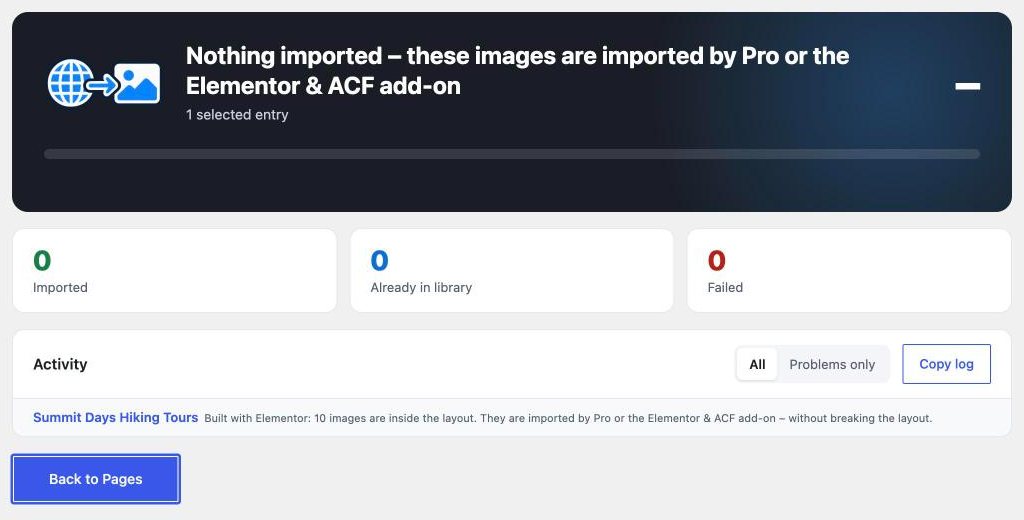
You moved an Elementor site or took over content, and the images still load from the old website? Then they live in Elementor’s layout data, and a normal import doesn’t find them there.
Here’s why – and how to bring the images into your Media Library safely, without breaking the layout.
Why Elementor images are special
Elementor doesn’t store a page as normal text but in its own layout data. Every image widget, gallery and background image is stored there with its address and settings. Elementor also builds its own CSS files from this data.
An import that only scans the normal page content doesn’t see these images. Replacing the addresses by hand with a database search-and-replace easily breaks the layout: the data is nested, and the widgets don’t know the images as Media Library files afterwards.
How to spot external images in Elementor
Replace External Images shows them even in the free version: in the notice above the page list, in the Elementor editor under Page Settings → External images and in the import dialog.
Free check
Does your website load images from other servers?
Enter your domain. In under a minute you’ll see whether images, fonts or services come from other servers. If you like, we then check every page and email you the full report with every location found.
✓ Instant result in your browser✓ Full report by email✓ Free
Import external images in Elementor
- Make a backup. That goes for any import that changes many pages at once.
- Install the add-on. The “Elementor & ACF” add-on extends the free plugin. It is already included in Pro.
- Start the import. In the Elementor page, go to Page Settings → External images and click “Import external images”. For many pages at once: “Import all” above the page list.
- Check the result. The import dialog lists every image. Then one click takes you back to Elementor.

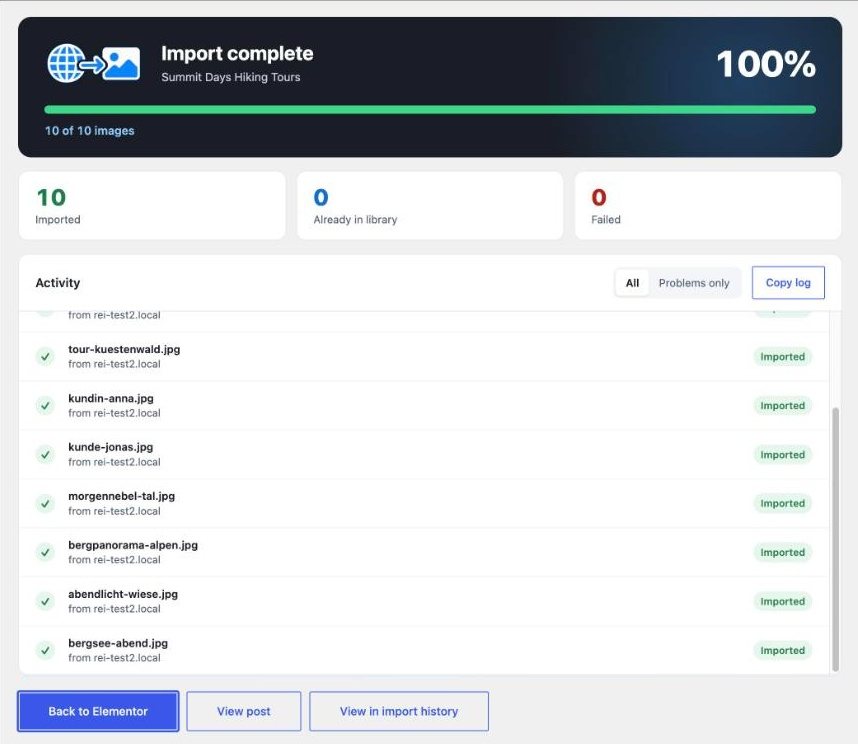
The add-on loads every image into the Media Library, links it to its widget and has Elementor rebuild its CSS. Structure, spacing and styles stay as they are.
And images in ACF fields?
If external images sit in ACF fields – text, text area, WYSIWYG or URL – the add-on imports those too. The fields then point to images on your own website.
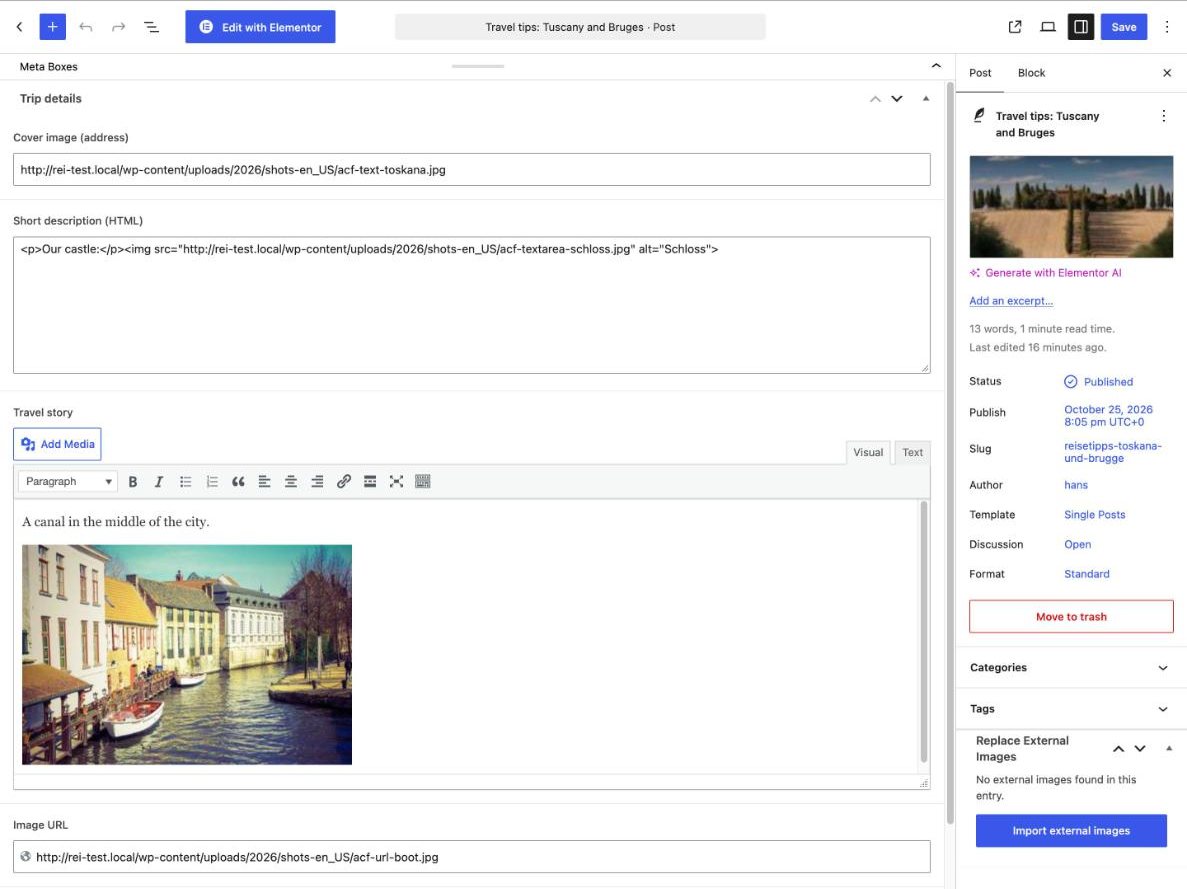
The “Elementor & ACF” add-on costs €19 once, plus VAT. It is already included in Pro. More about the add-on
Frequently asked questions
Can I do this for free?
The free plugin shows you which Elementor pages load external images. It deliberately doesn’t import them, so the layout can’t break. For that you need the add-on or Pro.
What happens to links to images?
Elementor link settings, for example a heading linking to a .jpg file, stay unchanged. Inside text and HTML, links to an imported image then point to the copy in your Media Library.
Can I undo the import?
With Pro, yes: “Undo” in the import history also restores Elementor’s layout data. Without Pro, the backup you made beforehand helps.
Elementor pages without external images
With the “Elementor & ACF” add-on for Replace External Images: €19 once, plus VAT. Included in Pro.
Go to the add-on → · Download free
All prices are net, plus statutory VAT · Offer available to businesses and traders only (§ 14 BGB)